 SubSub
Renewal reminders
Local notifications before a charge hits—so you can cancel or keep it on purpose.
SubSub
Subscriptions renew while you’re not looking.
Track them on iPhone and Mac. No bank login. Data stays on your device. $3.99 once—7-day free trial.
$3.99 once · 7-day free trial
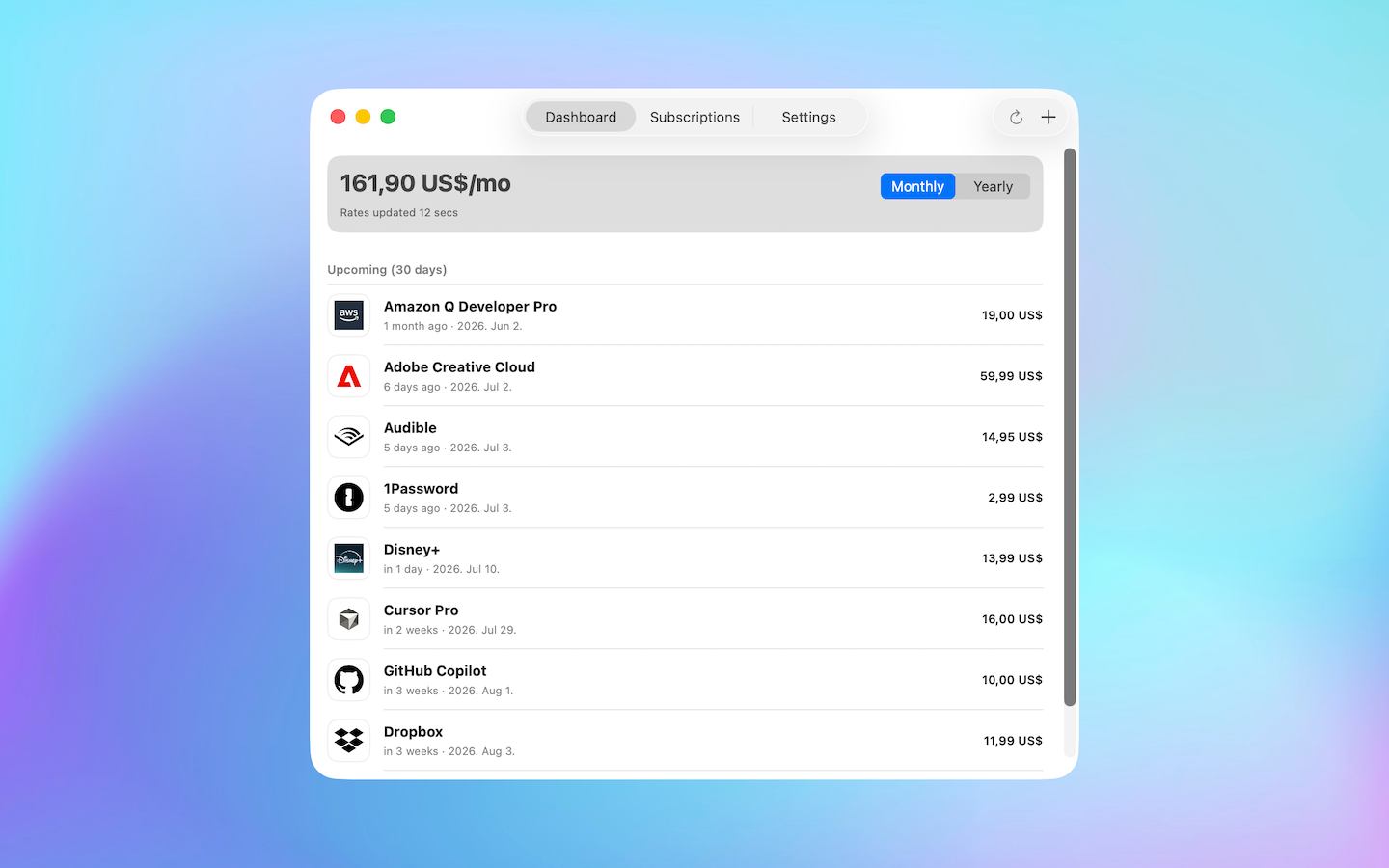
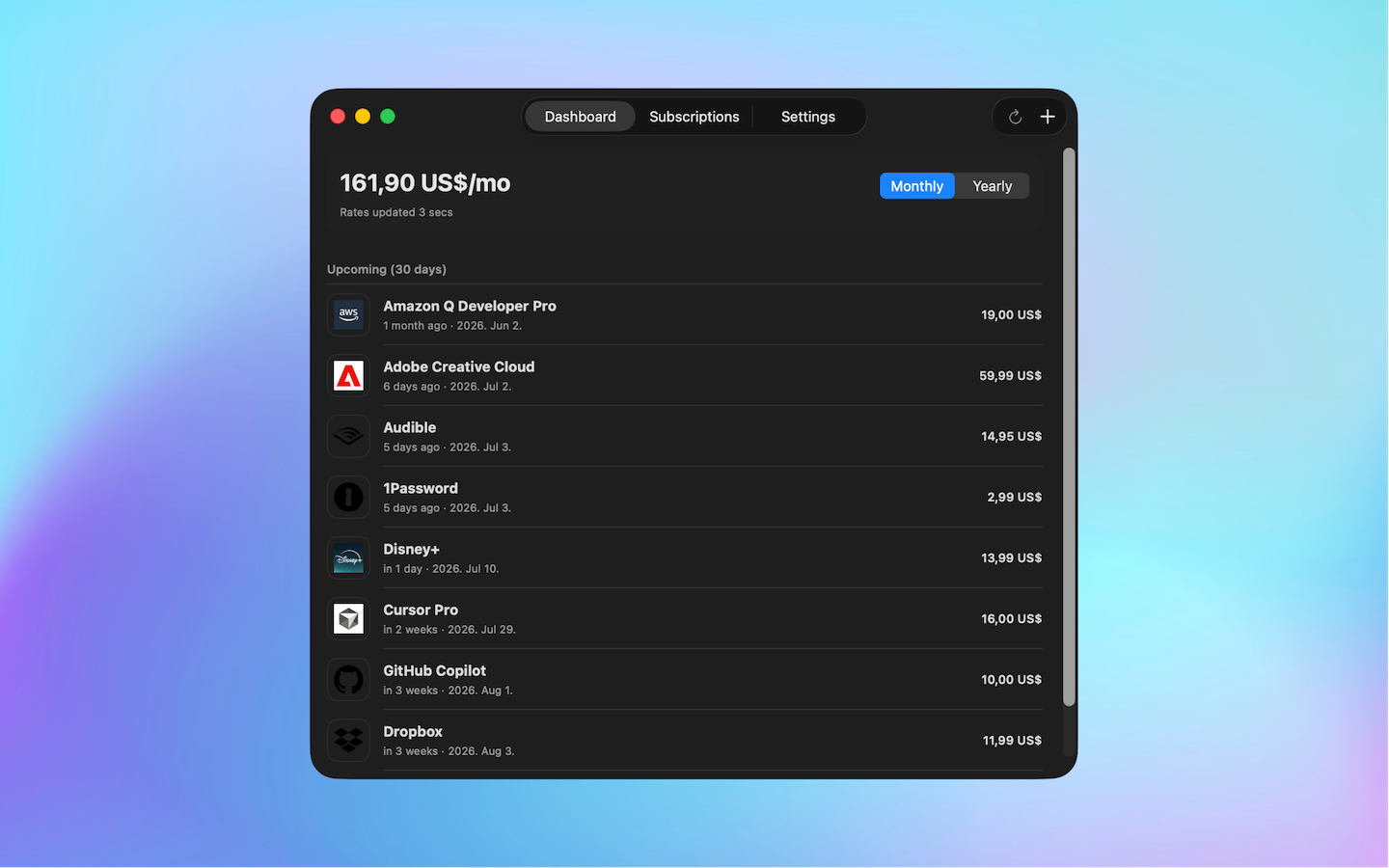
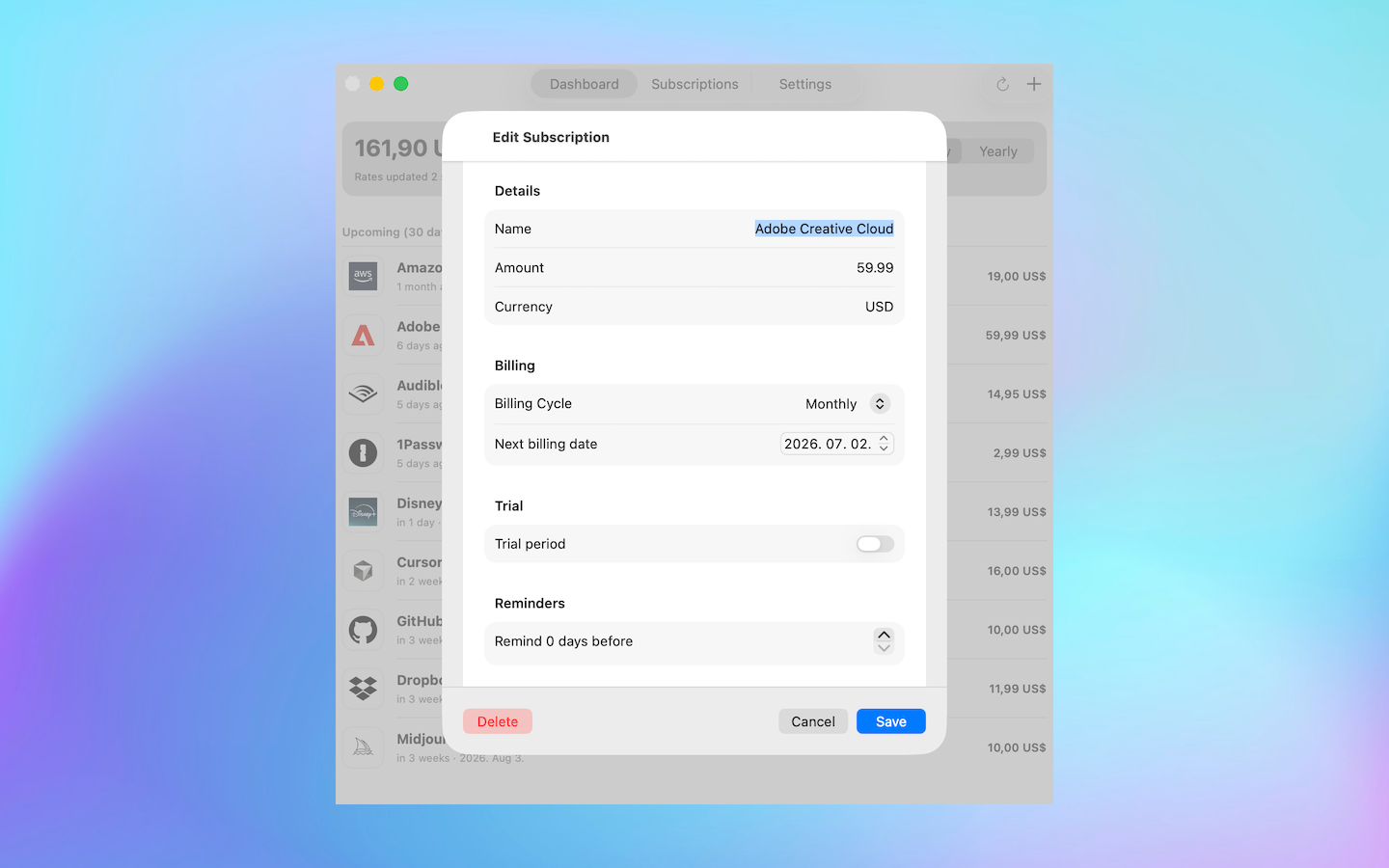
Dashboard
No bank login. No app subscription. Mac included. Sync only if you turn it on.
| Bobby | ReSubs | SubSub | |
|---|---|---|---|
| Mac app | No | No | Yes |
| One-time unlock | Yes | No | $3.99 |
| Cross-device sync | Optional | Often unreliable | Optional |
Not on the list? Add a custom service. One job: show what you pay, before it renews.
Local notifications before a charge hits—so you can cancel or keep it on purpose.
One number for recurring costs. Flip between monthly and yearly on the dashboard.
No account signup. Nothing leaves your phone unless you turn on optional iCloud sync.
No subscription to track subscriptions. Unlock unlimited entries and iCloud sync forever.
7-day free trial on your device. Then unlock once.
Unlimited subscriptions and optional iCloud sync across iPhone and Mac.
Help with setup, sync, purchases, and reminders.
hello@subsub.appGo to Settings → Restore Purchases. Use the same Apple ID as your original purchase.
Sign into iCloud, unlock the full version, then toggle sync off and on in Settings.
Enable notifications for SubSub in iOS Settings. In the app: Settings → Request Permission.
Buy once to keep tracking subscriptions and enable iCloud sync.
Last updated: July 10, 2026
SubSub ("we", "our") is developed by Innotek Kft. This policy explains how SubSub handles your information. We designed SubSub to keep your subscription data private and under your control.
By default, all subscription data is stored locally on your device using on-device storage. We do not operate servers that store your subscription list. Your data does not leave your device unless you explicitly enable iCloud sync.
If you purchase the full version and enable iCloud sync, your subscription data is stored in your private iCloud account via Apple CloudKit. This data is subject to Apple's iCloud terms and privacy policy. We do not have access to your iCloud data.
SubSub can send local push notifications to remind you about upcoming renewals and trial endings. Notification content is generated on your device. We do not receive notification data.
To convert subscription amounts into your display currency, SubSub may fetch daily exchange rates from ExchangeRate-API (open.er-api.com). Only currency codes are sent—no personal or subscription data is included in these requests.
In-app purchases are processed entirely by Apple through the App Store. We do not collect or store payment information.
SubSub does not connect to your bank, read your email, sell your data, show ads, or require an account to use the app.
For privacy questions or requests, contact us at hello@subsub.app.
Questions? Contact hello@subsub.app.